Add entity
Add entity
To create an entity:
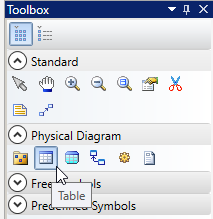
- In the Toolbox area, under
Physical Diagram, click onTable
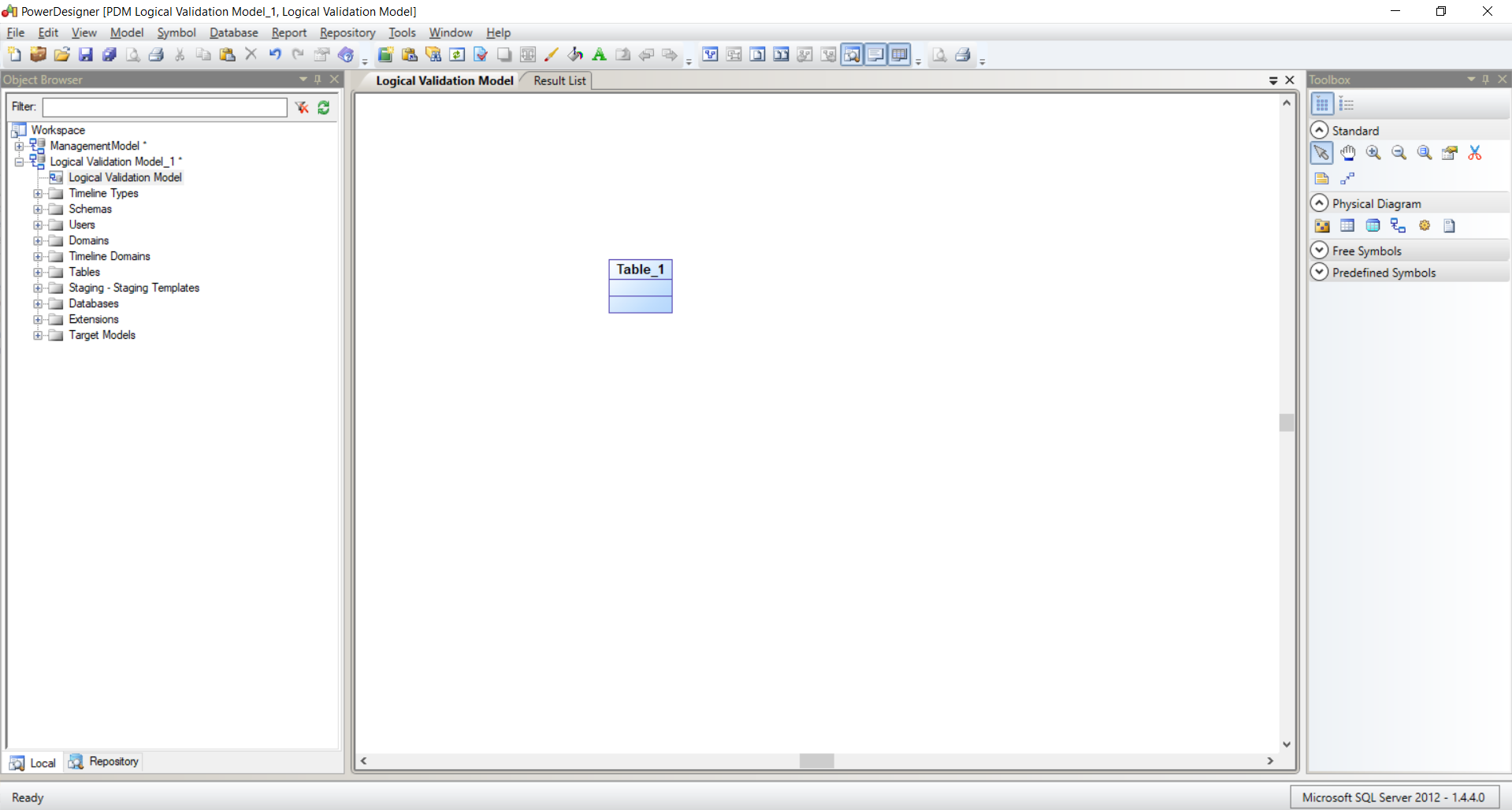
- A table appears in the Model Area. Double click on the
Table.
- The Window
Table Propertiesappears.
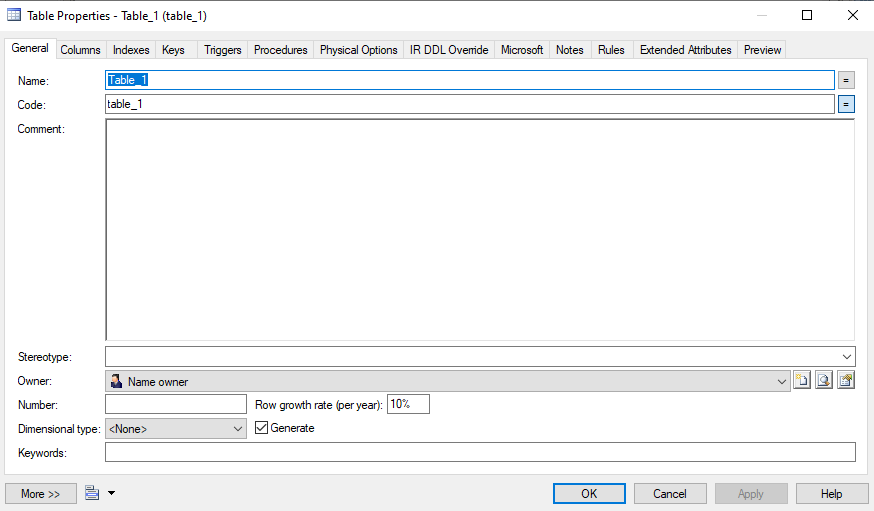
Name: This is the business name for the object. If you change thenameof an object, thecodewill automatically change as well.Code: This is the technical name for the object. The Code will be used in the generated SQL and DDL.Comment: You can give a description for the table.Owner: Select the correct owner.- Click on
OK.