Add reference
To add a reference between two entities:
- Click on the
Referencetool from the Toolbox.
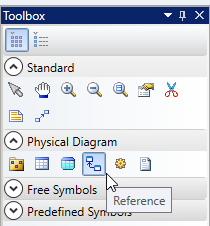
- Click on the child entity and drag the mouse over to the parent entity.
- A relationship between the child and parent entity is created. The primary key from the parent entity is added to the child entity as a foreign key (displayed as
<fk>).
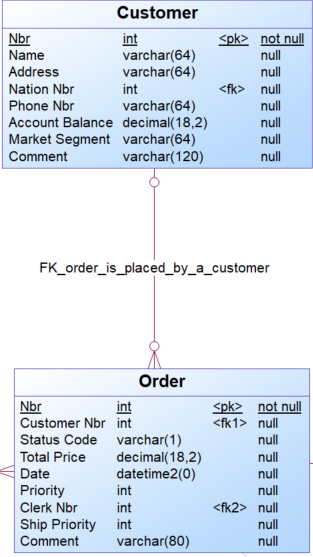
Which key identifies the parent in the child entity?
By default, the foreign key in the child entity refers to the primary key in the parent. If the child has an attribute with the exact name as the primary key in the parent, this attribute will become the foreign key. However, you need to check if this is what you expect. We don't want a reference between order.nbr and customer.nbr but between order.customer_nbr and customer.nbr, for example.