Assign a schema
When a data model is created from a template, a default schema is automatically created with the name Generated schema. In most cases, you need to rename this schema to the name you agreed with your DBA. It is a good practice to keep the schema names of any physical data model derived from one logical data model identical.
Warning
It is important to agree with your Data Architect and/or DBA on the schema names.
To change the schema name:
- Open the model by double clicking on it in the
Object Browser. - Click on the
+to expand the model andschemas.
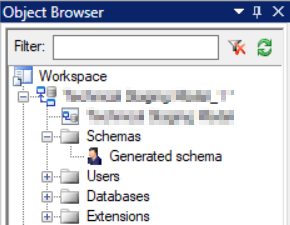
- Double click the
Generated schemaobject. The windowSchema Propertiesappears.
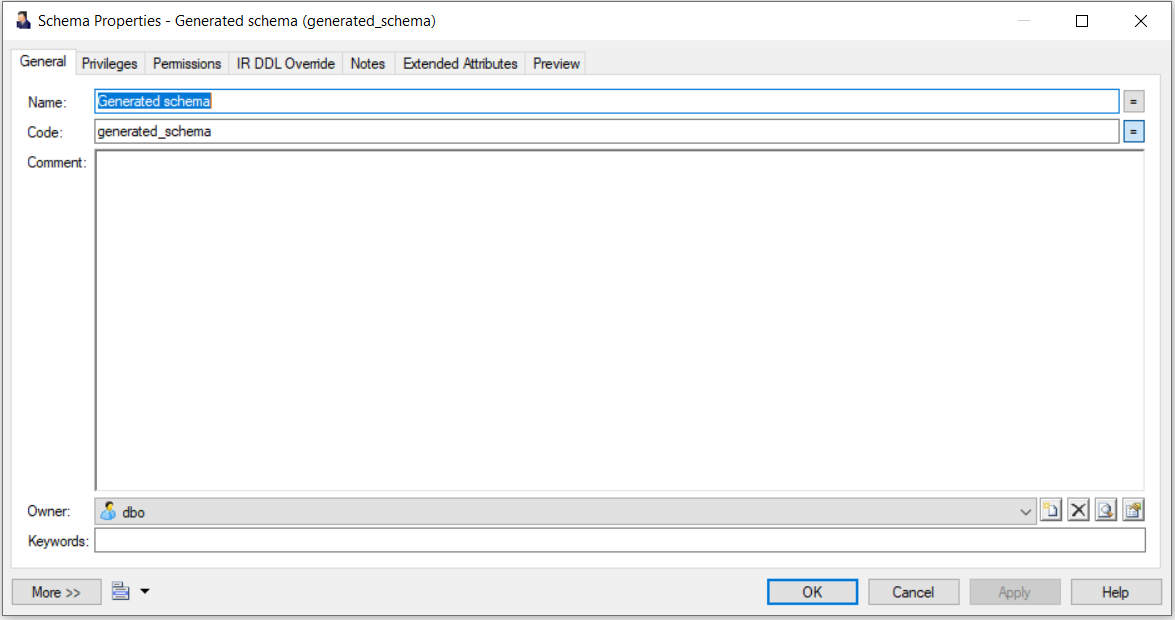
- Change the schema name.
Warning
The schema-entity combination must be unique.