Create a model from template
If the entities and helpers need to be in a specific filegroup in the database, you can For more information, please
Set Default Filegroup.
To create an empty model from a template:
- Click on
File > New Model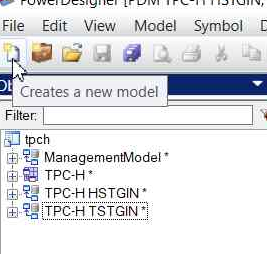
- Click on
Templatesand select the correct template according to the model that you want to create. - Enter a name for your new model in the field next to
Model name.
Following these steps results in an empty model with all the necessary default settings you need. After creating a new model, you should assign a schema to it.
Info
Consider how to set-it up the diagrams of the model: you can have only one visual diagram or more 'smaller' visual diagrams that together composes the model as a whole. If you opt for having more than one visual diagram, keep in mind that you will have just one model whose components will be visually distributed in several diagrams.