Upgrade model version
After you have changed the data model, you need to update the data model version. This way, you can keep track of the model releases.
- Select
Model > Properties.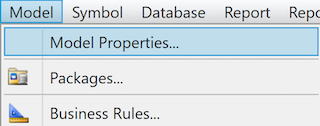
- or right click on the white canvas and select
Model Properties.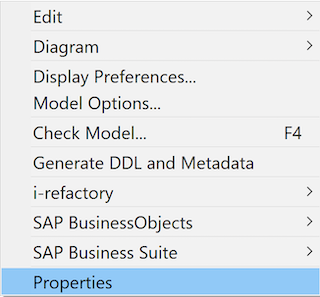
- The
Model Propertieswindow opens. Change the version number next toVersion.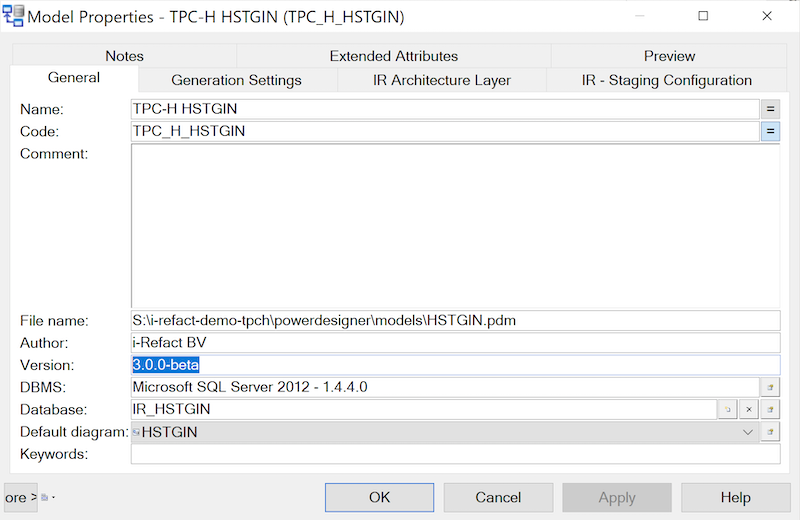
- Click on
OK.
It is a good practice to change the model version of every physical data model. The standard for versioning depends on the client. In most cases a version number such as 1.0.0 is used, where the third digit is updated during minor changes and the second digit by major changes.
Info
The model version of the logical validation model is displayed in the i-refactory monitor.