Add mapping for an attribute
To create a mapping for an attribute:
- Click on:
Tools>Mapping editor.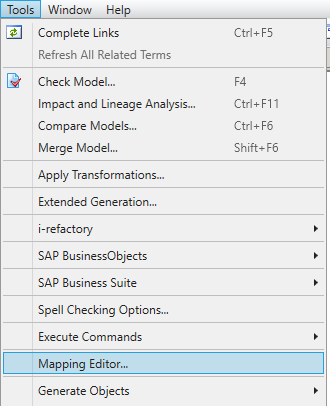 .
- Drag the attribute of the entity in the source model to the corresponding attribute in the target Model. You see a line between the two models.
To create a mapping for an attribute:
Tools > Mapping editor. .