Add subtype reference
To add a subtype reference between two entities:
- In the Toolbox area, under
i-refact - Unified Anchorized Modelling - 2.5.0, click onSubtype Reference.
- Then drag a line from the subtype entity to the supertype entity.
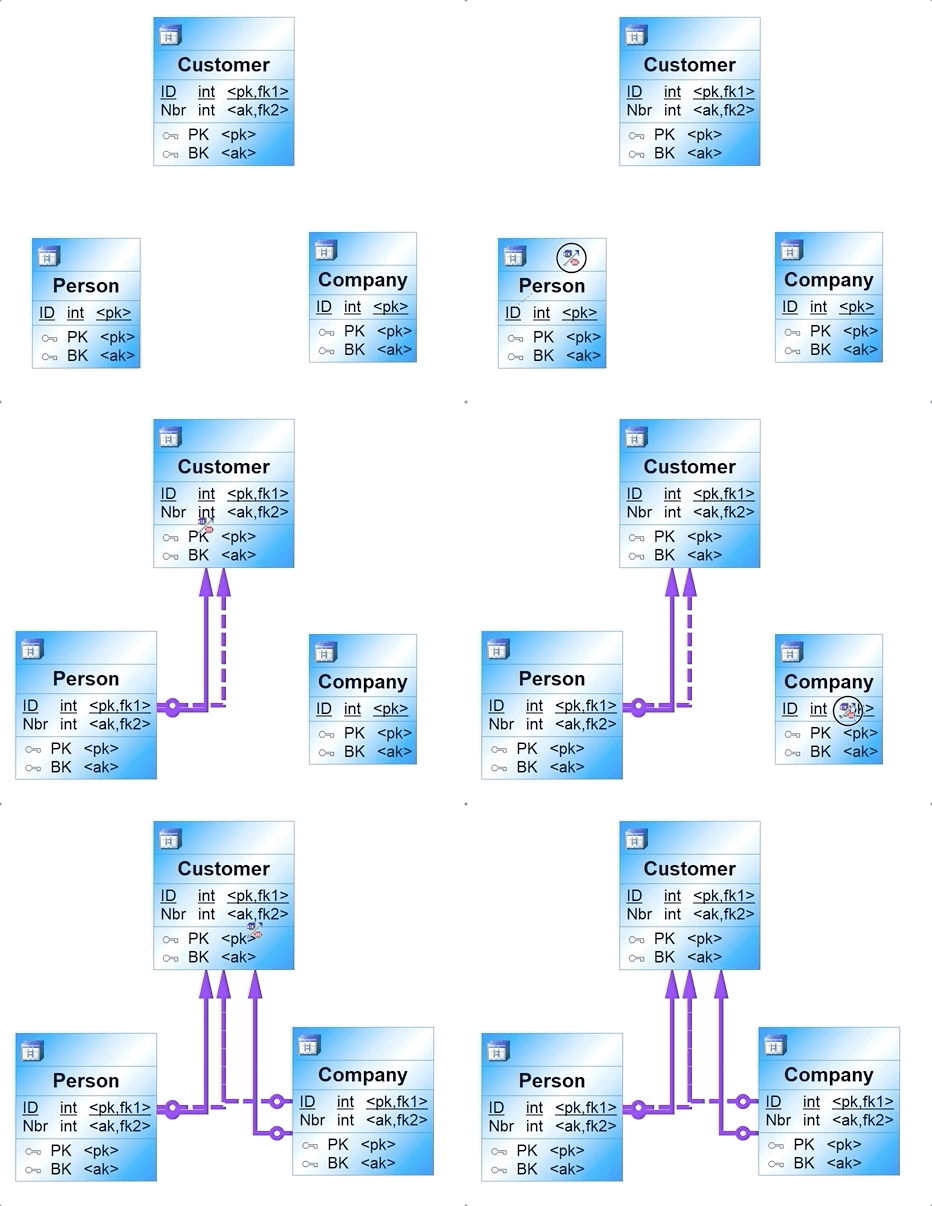
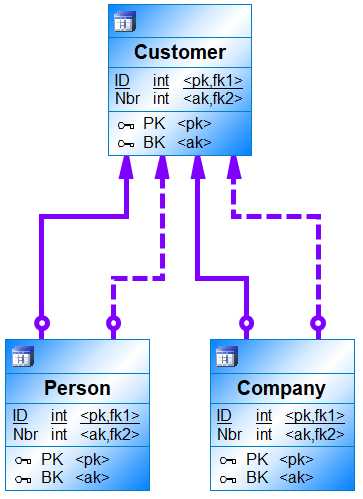
- A new subtype reference is created between the subtype and the supertype entity. The primary key (ID) and business keys of the supertype are automatically copied to the related subtype.
- In the Toolbox area, under
Standard, click onPointer. - Double click on the new created reference. The window
Subtype Reference Propertiesappears. Name: This is the business name for the object. You should use the same name used in the Logical Data Model. If you change thenameof an object, thecodewill automatically change as well.Code: This is the technical name for the object. The Code will be used in the generated SQL and DDL.Comment: You can give a more descriptive name for the object, for example the business term.
Info
In the Generic Data Access Layer the supertype or subtype entities are separately presented and include their own context.