Add versioning key column
To add a versioning key column:
- Right click on the recently created
Satellitein the central facts model area. - In the context menu, click on
i-refactory > Add versioning key column(Multi-Active).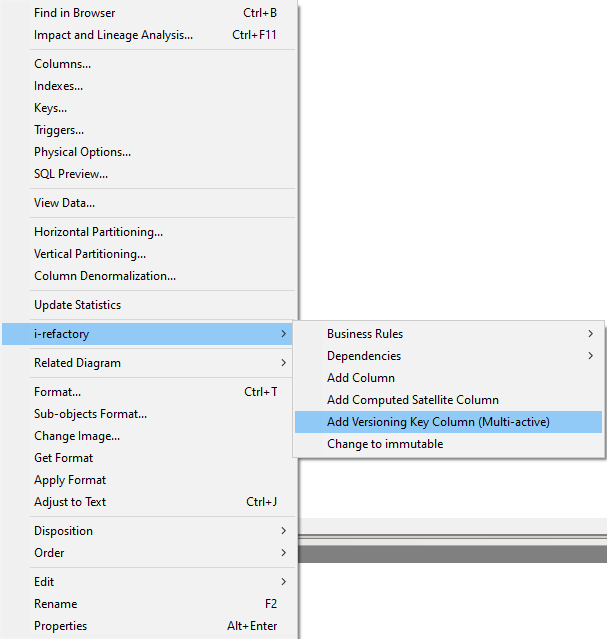
- Select the recently created
Satellitein the central facts model area.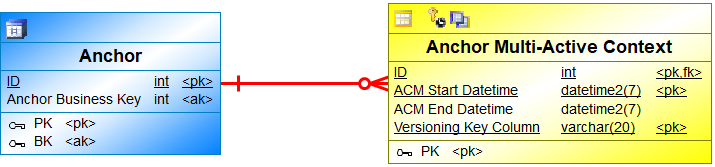
- Double click and select the tab
Columns. - Double click on the row named
versioning key column.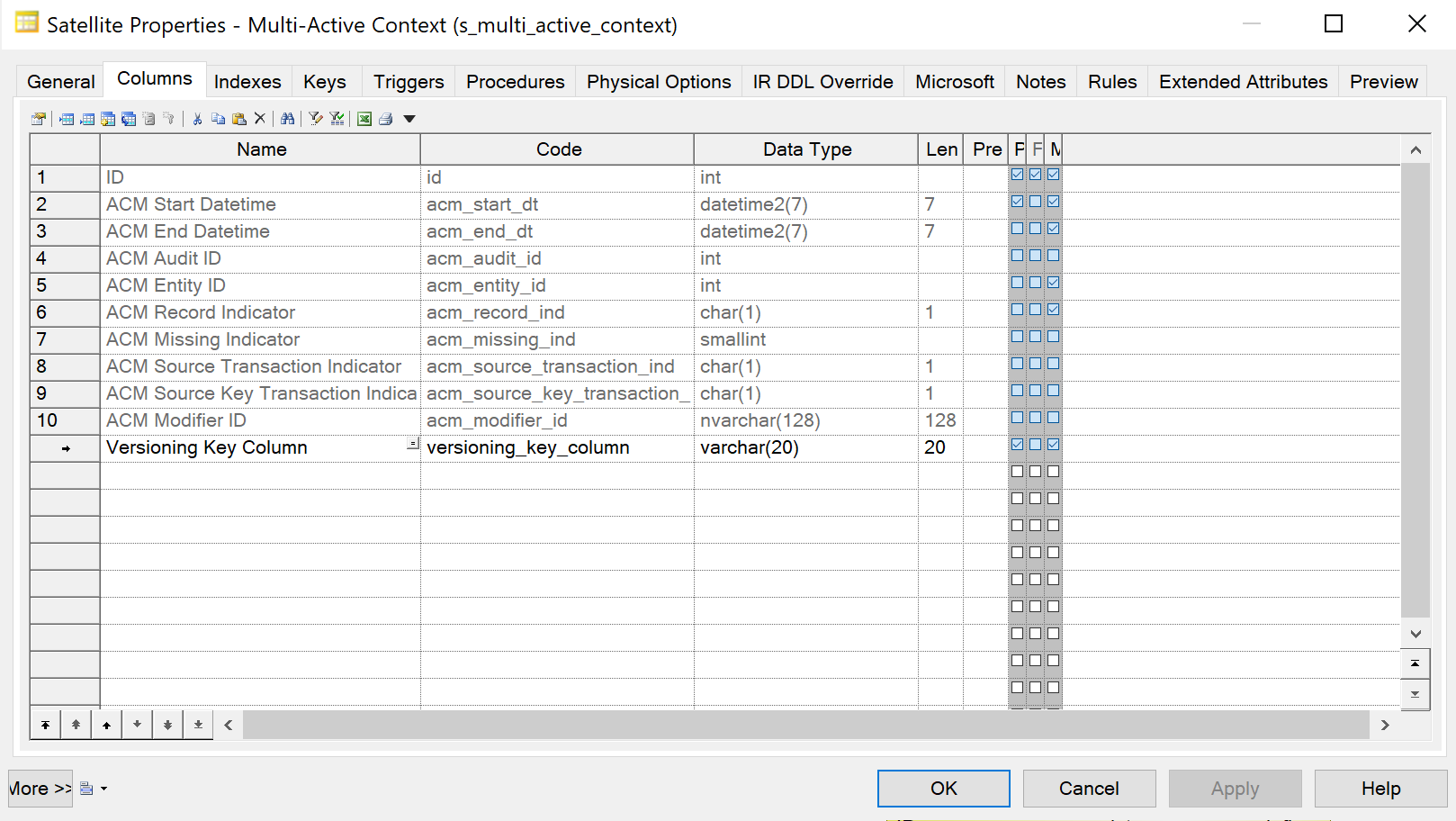
- Assign the details for the versioning key:
- Name
- Code
- Comment (optional)
- Data type and data type details