Change mapping order
To change the mapping order:
- Select the
IDcolumn of the relevant entity in the Target window. - Right-mouse click and
Delete Mapping.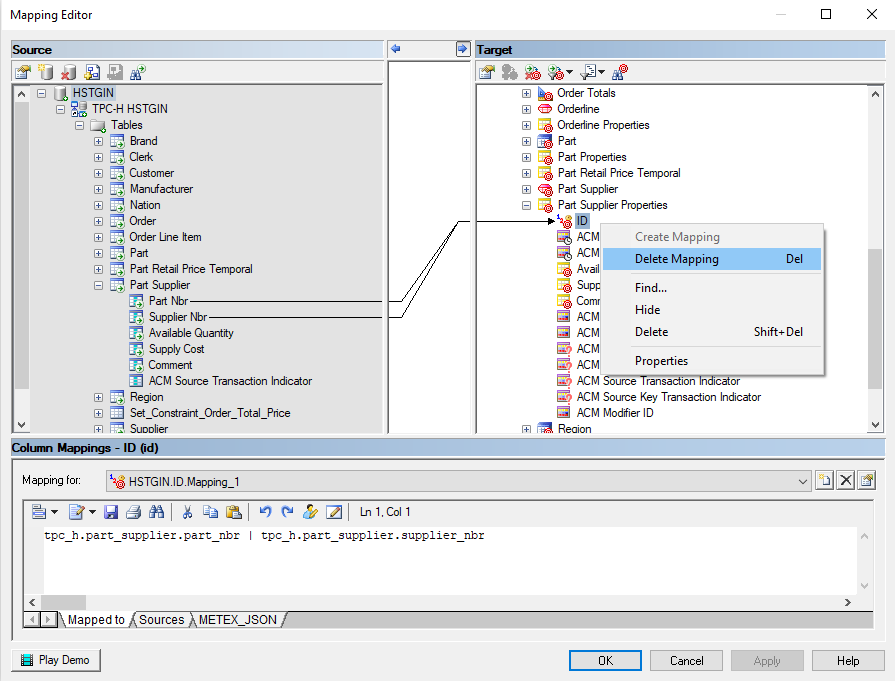
- Recreate mappings in the right order by manually dragging the source key columns to the
IDcolumn in the Entity. - Press
OK.