Check mapping order
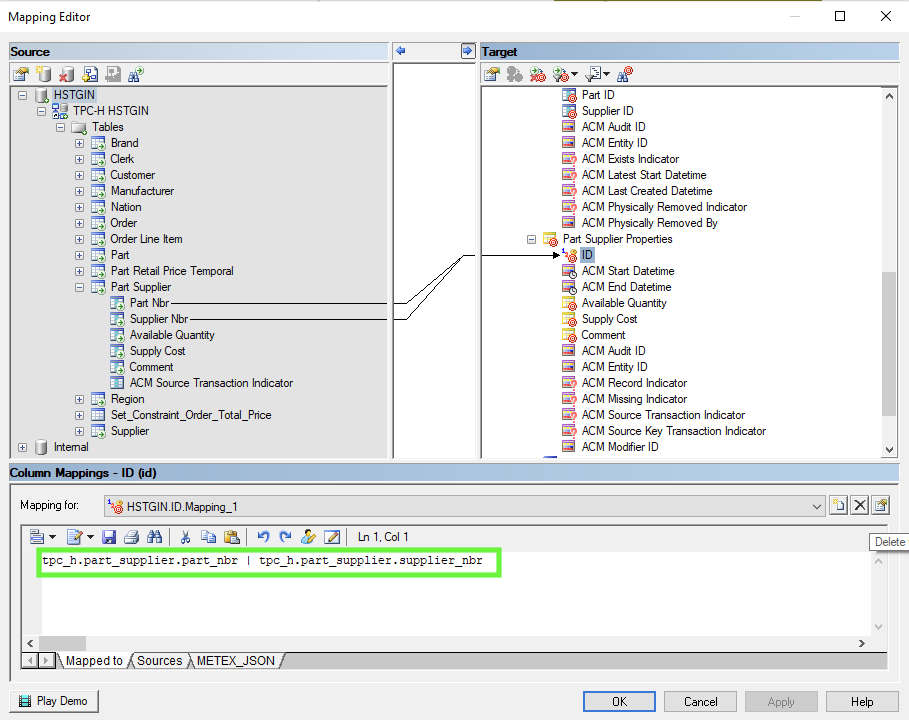
To check the mapping order:
- Click on:
Tools > Mappings. - Find the relevant entity in the Target window.
- Open the details of the entity.
- Click on the column
ID. - Open the corresponding source entity in the Source window.
- On the bottom section of your screen a Column Mapping detail screen. is shown (default tab
mapped to). - The order shown in this detail screen is the order of the key resolvement.