Adjust reference properties
To change the properties of a reference:
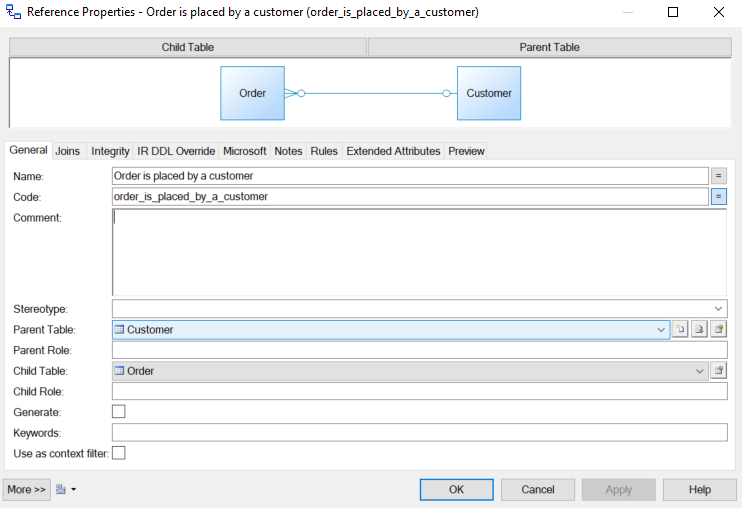
- Double click on the reference. The window
Reference Propertiesopens. - In the field
Name, you can give the reference a meaningful name.
- Click on the tab
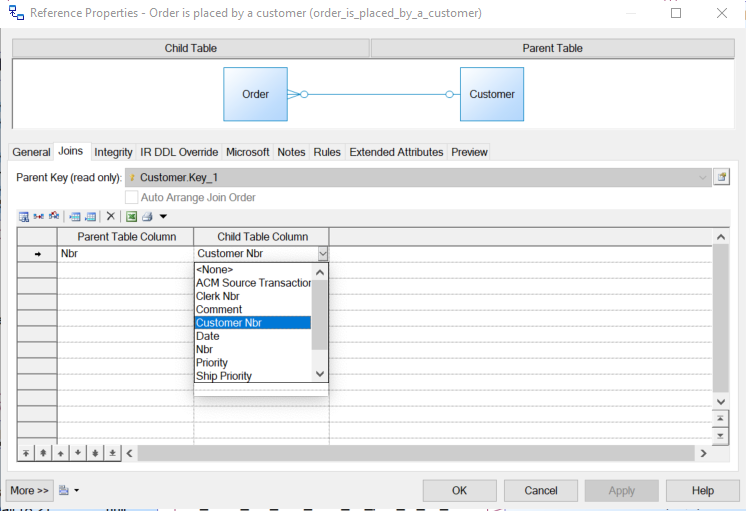
Joins. In this tab you can change the linked key. If necessary, in the Child Table Column, select the correct foreign key from the drop-down menu.
- Click on the tab
Integrity. In this tab you can change the cardinality of the reference.