Assign entity-record constraint to entity
A new Business Rule is added to your Object Browser. The only step left is to assign this Rule to an entity.
- Go to the Diagram to select the relevant entity
- Right mouse click: The
Table Propertieswindow appears - Go to the tab
Rules - Click on
Add Objects - From the tab
Entity Record Constraintsselect the Rule you want to assign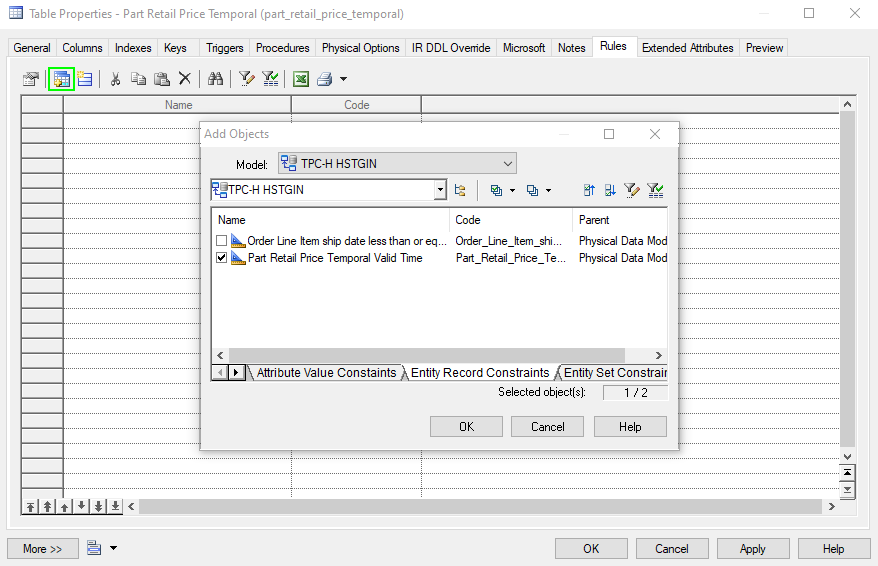
- Press OK when finished