Create entity set constraint
To create an entity-set constraint:
- Go to the Object Browser
- Right Mouse click on the name of the logical validation model:
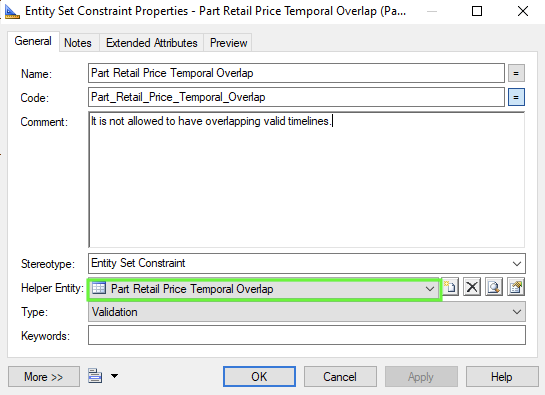
New > Entity Set Constraint - Reuse the same name as used for the helper
- Enter the functional definition as
comment - Assign the helper to the entity set constraint. Click on the drop down menu next to
Helper entityand select the helper.
- Press OK when finished
Info
You can only assign one helper to one Entity Set Constraint.