Show properties of multiple attributes
There are two ways to show a list of the properties of multiple attributes (also called columns by PowerDesigner).
Method 1
- Go to
Model > Columns
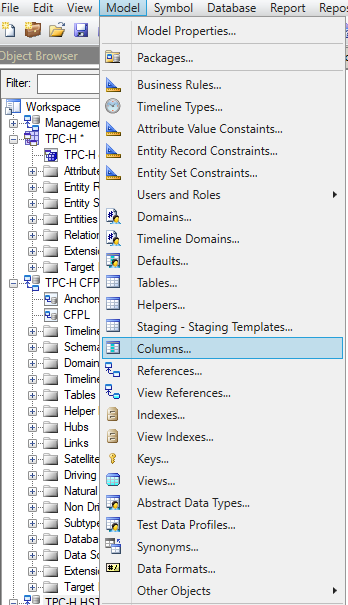
- The window
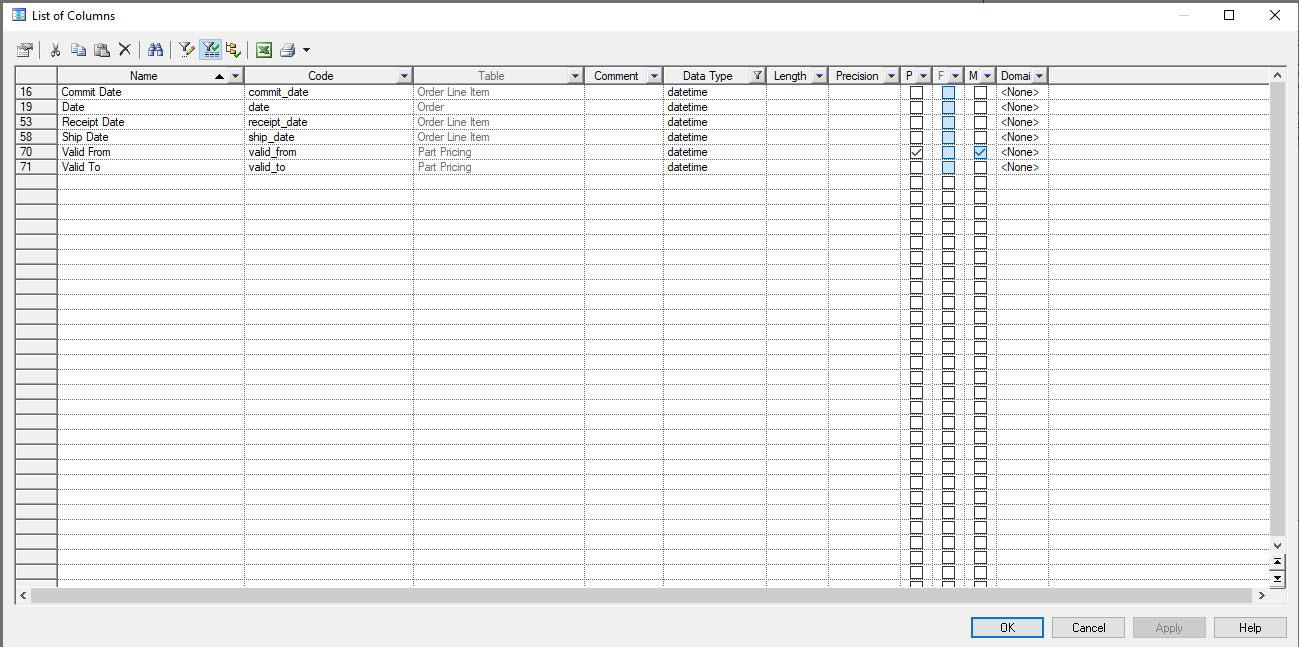
List of Columnsappears
Method 2
- Go to the
Object Browser. - Right click on the physical data model (not the diagram).
- Click on
List of > Columns.
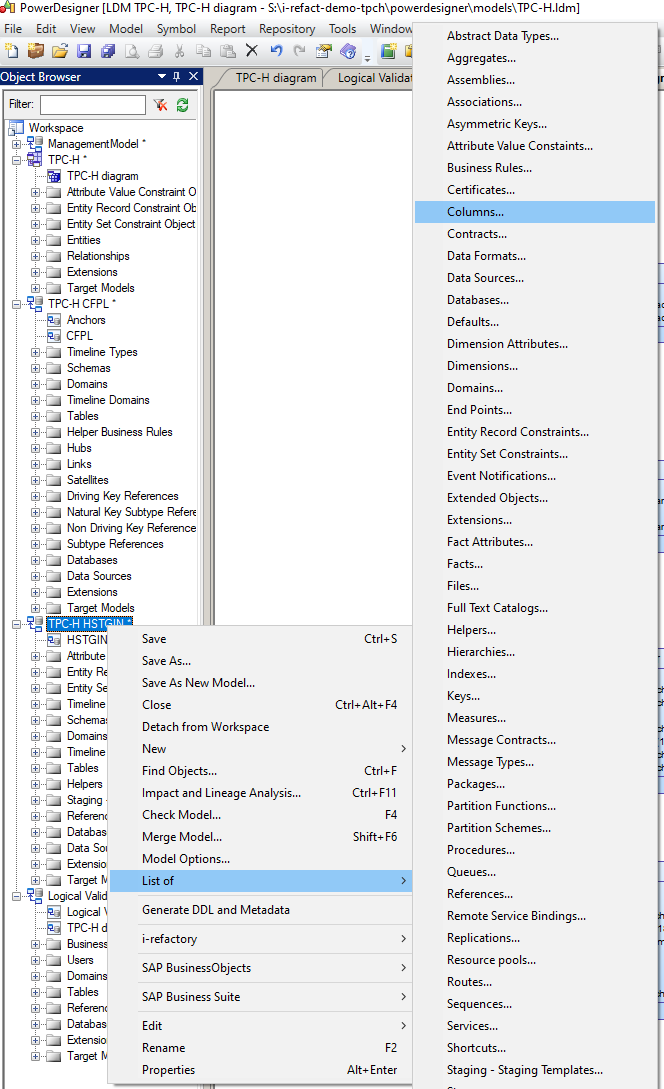
- The window
List of Columnsappears
List of Columns
- The window
List of Columnsshows all the attributes available in your physical data model.
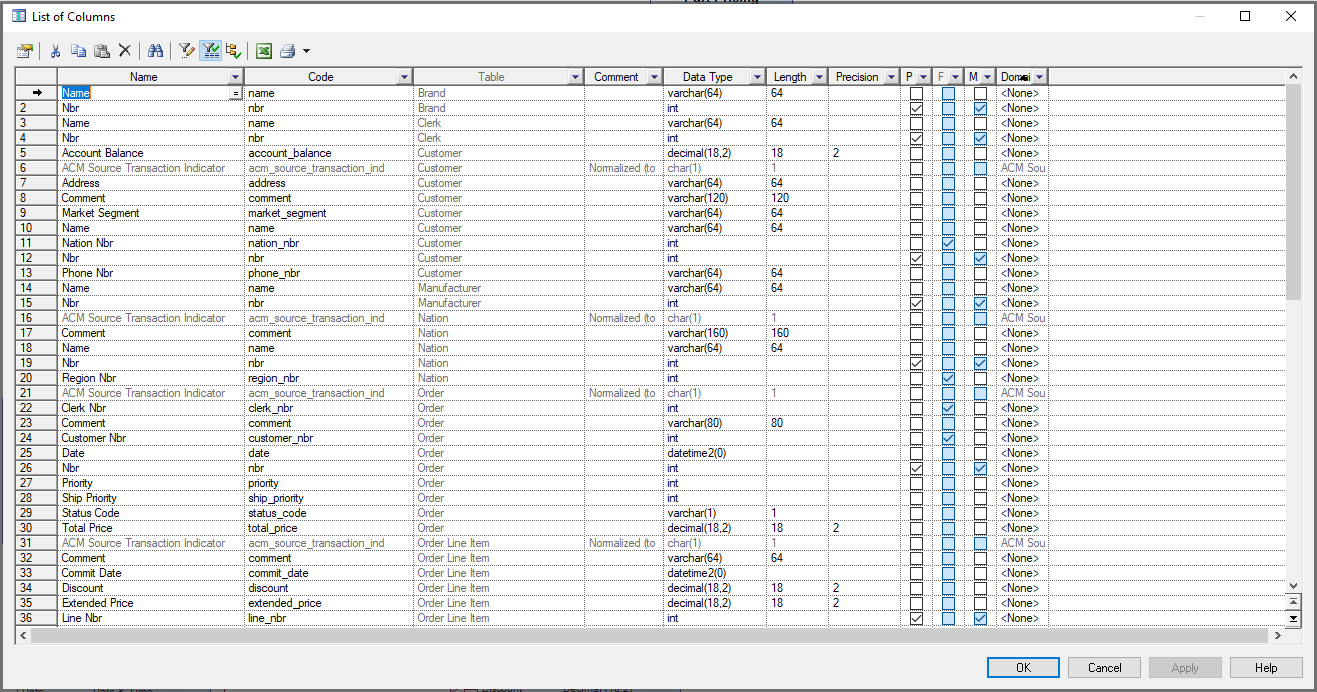
- If you want to filter for specific datatypes:
- Click on the Filter symbol in the column
Data Type.
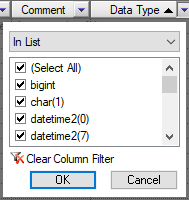
- Select all the data types that require your specific attention.
- Click on
OK. - Adjust the attribute properties by editing the fields.
- Click on
OKto save the changes.