Show target model
If you generate a physical data model or a logical data model in PowerDesigner, the linked model is called a Target model. To see the Target model, you can use one of the following methods:
-
Method 1
-
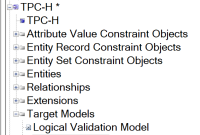
In the Object Browser, expand
Target Models -
You will see a shortcut to the target model.
-
Method 2
-
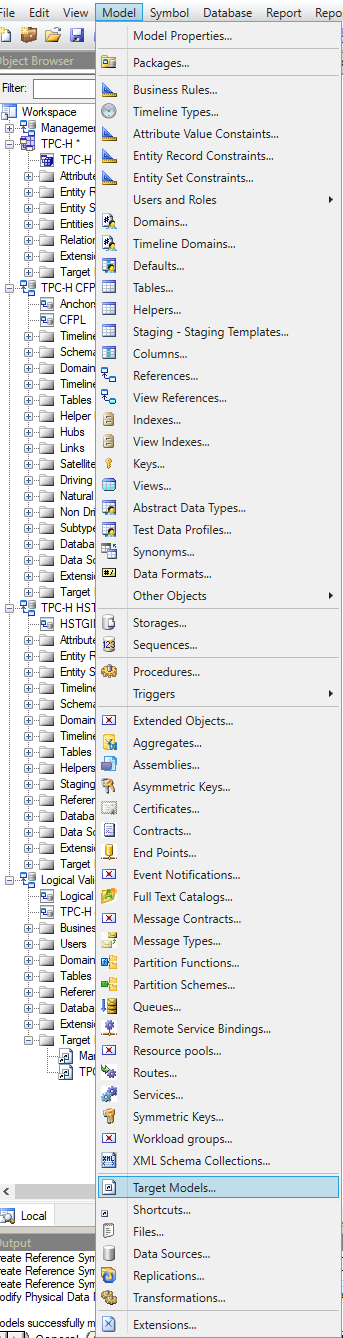
Click on
Model > Target Model.
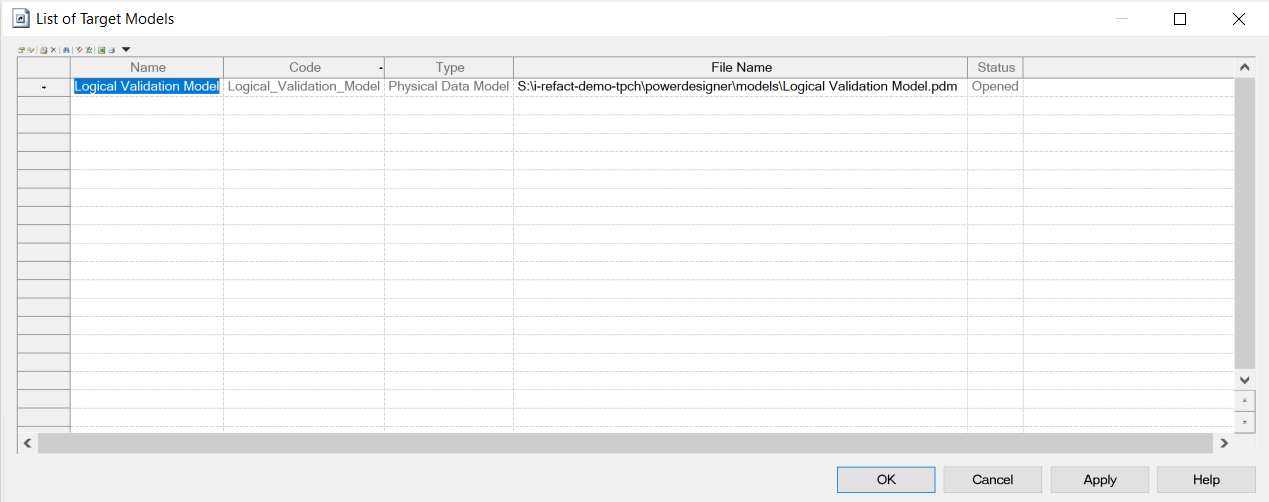
- The Window
Target Modelappears. - You can see and edit the properties of the Target Models.
Warning
Don't delete the shortcut to the target model, you'll lose the lineage.