Add attribute
To add an attribute to an entity:
- Double click on the entity.
- Click on the tab
Columns.
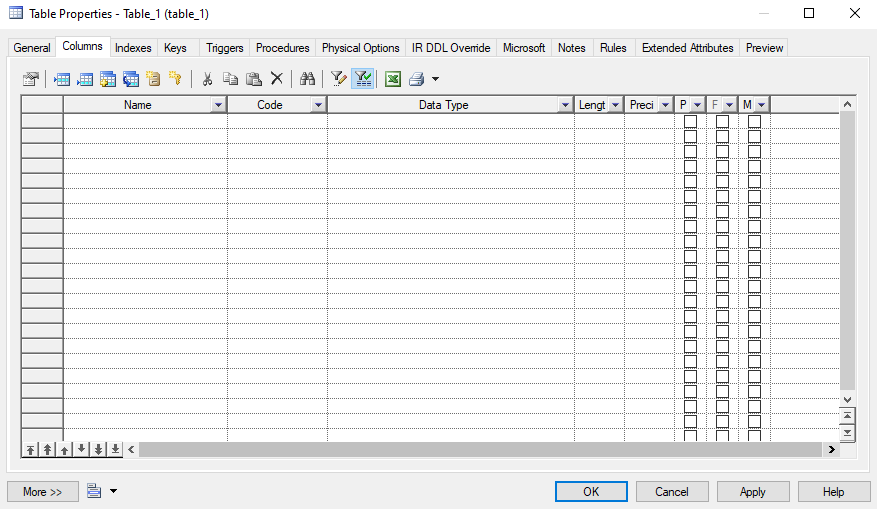
- Click in the empty row. A new column 'Column_1' appears.
- Change the
nameandcodeof the attribute to the name of the column in the source data. - Change the datatype of the attribute.
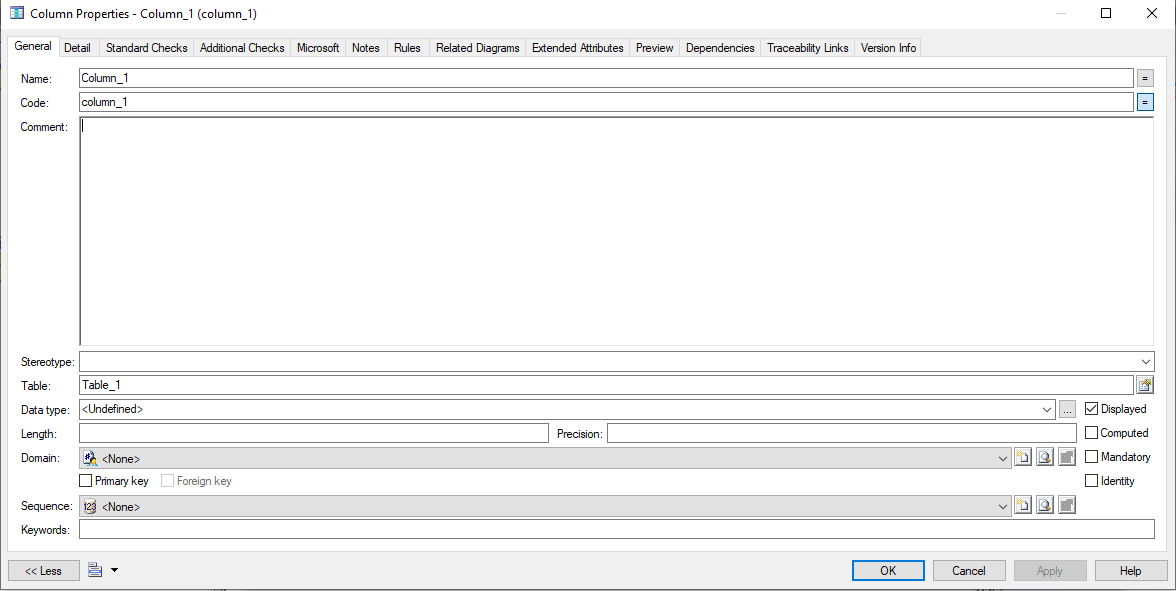
- (Optional) Double click on the newly created Column. Add a description under
comment.