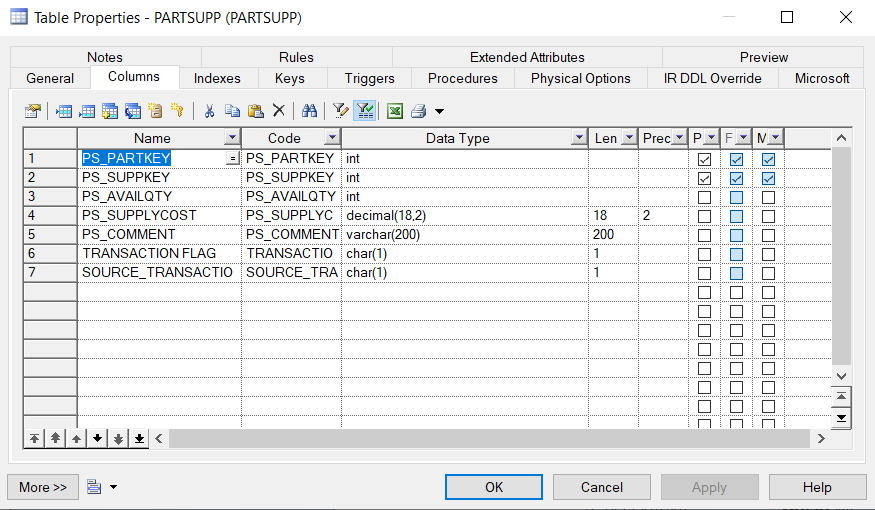
Add primary key
To add a primary key to a table:
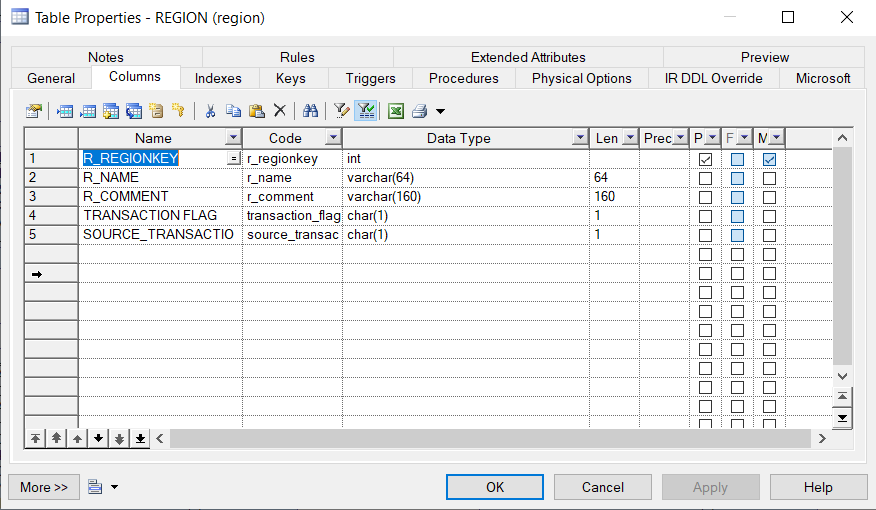
- Open the tab Columns by double clicking on the table.
- Put a check mark in the box under
P, next to the chosen attribute. ThePstands for primary key. The box forMis also automatically checked. This means that the attribute is mandatory and needs to be filled.
- If the primary key consists of multiple attributes, put a check mark under the
Pnext to these attributes.