Adjust reference settings to create a context-based entity
To create a context-based entity you need to change the settings of the relationship between the parent and the child entity:
- Double click on the reference arrow between the dependent and context entity
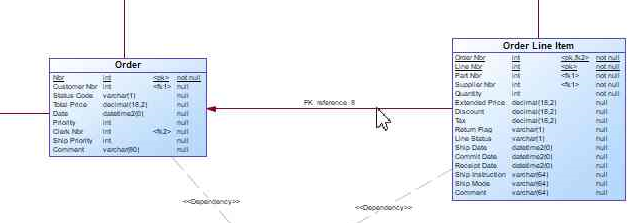
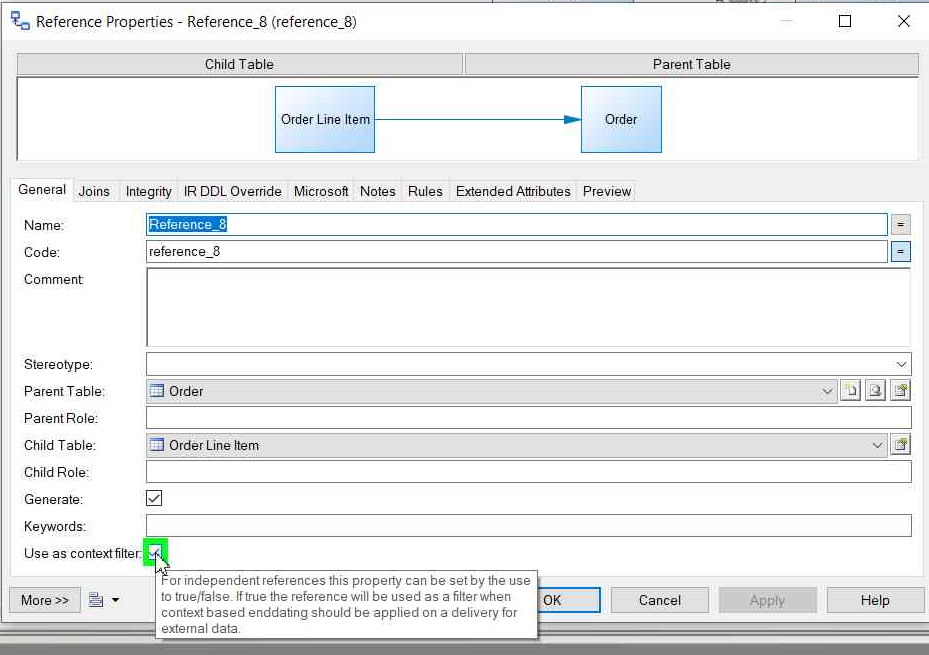
- In the tab
General, put a checkmark next toUse as context filter
Warning
Do not forget to set the context filter in the central facts model as well. It is not automatically added.