Generic Data Access Views, Triggers, and Functions
Generated objects for batch and CRUD models
In a standard i-Refactory GDAL deployment, a view is created for every anchor in the central facts model. Also, separate views are created each bi-temporal and multi-active context in the central facts model. Key root objects do not have a GDAL representation.
Current view
The current view contains data that is valid at the time the view is queried. In this view you will find that the foreign keys are surrogate keys instead of business keys.
OASI Business Key views
{overlay}OASI views (on business keys) contain the context of itself and all parent entities, including all super- and subtypes of this entity as well. Foreign key relations are resolved to show the business key of the related record. The name of the foreign key attribute is constructed as <entity_code>_<attribute_code>.
Example of an foreign key business key
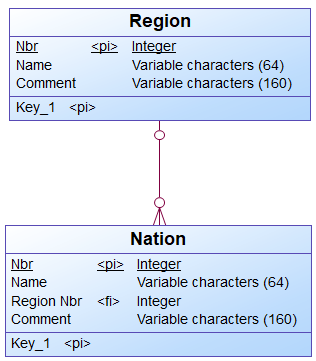
In the logical data model you can see a relationship between region and nation. Region Nbr is a foreign key in Nation.
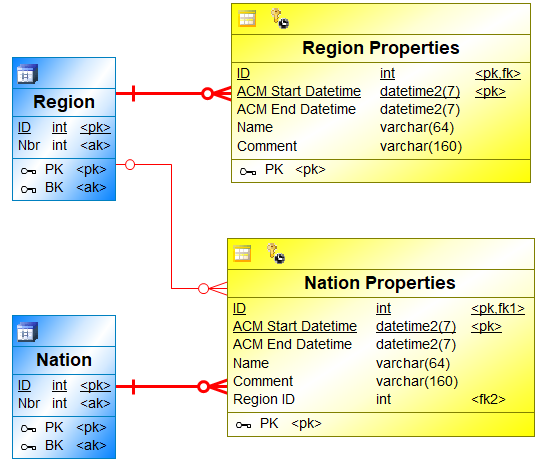
In the central facts model, you can see the relation between the context nation_properties and the anchor region. The business key of Region is Nbr.
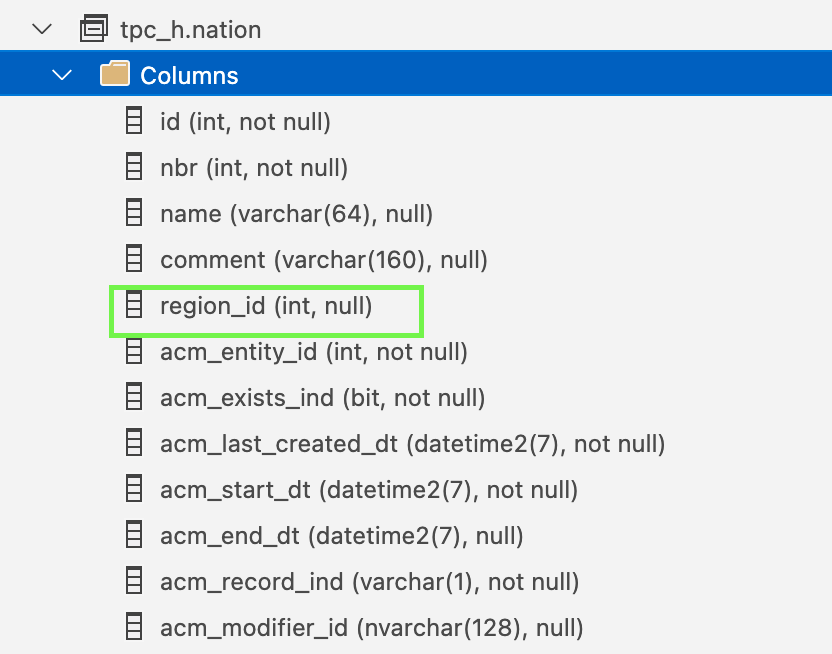
In the generic data access layer, the business key of region is available in the tpc_h_oasi_bk.nation view and is generated as region_nbr.
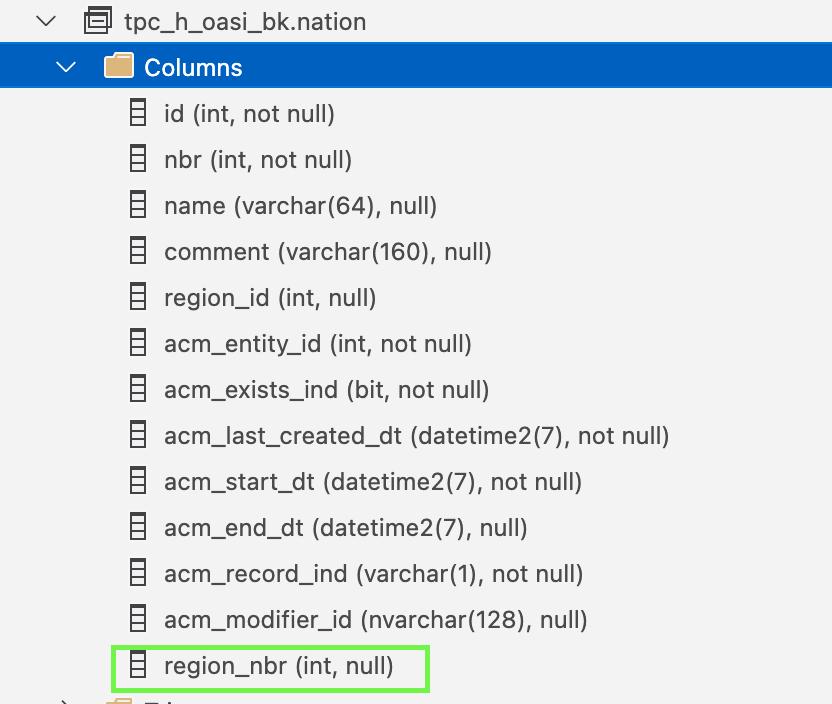
- The relations between the entities appears.
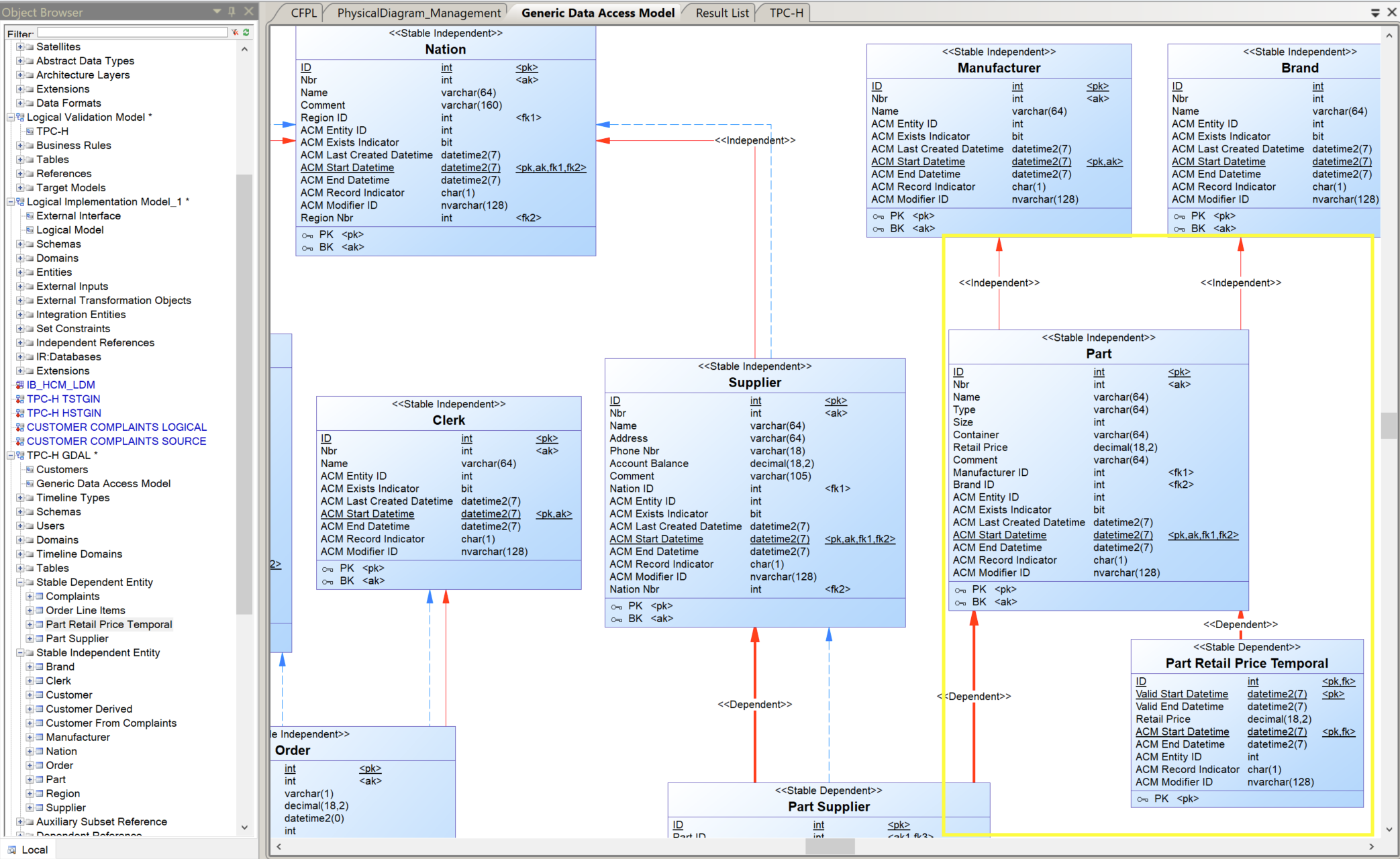
- To enforce the subset constraints of the logical validation model: add the auxiliary relations
Tip
If your change affects a reasonable part of your Model - about one third -, consider creating your generic access model from scratch.
Info
You can't add a Key Root to the generic access model.
Add an attribute to a context
To implement the inclusion of an attribute to a context in the central facts model in the generic data access model:
- Open the Mapping Editor with
Tools > Mapping Editor... - Drag the new attribute from the central facts model to relevant generic access entity.
- Click on Apply and then on OK.In this specific example the generated business key name and the real business key name are similar. However, it is possible that the generated business key name differ from business key name as defined in the logical data model.
Historical views
Historical views display all the the historized data, this means all the transaction timelines that are recorded in the database for the object.
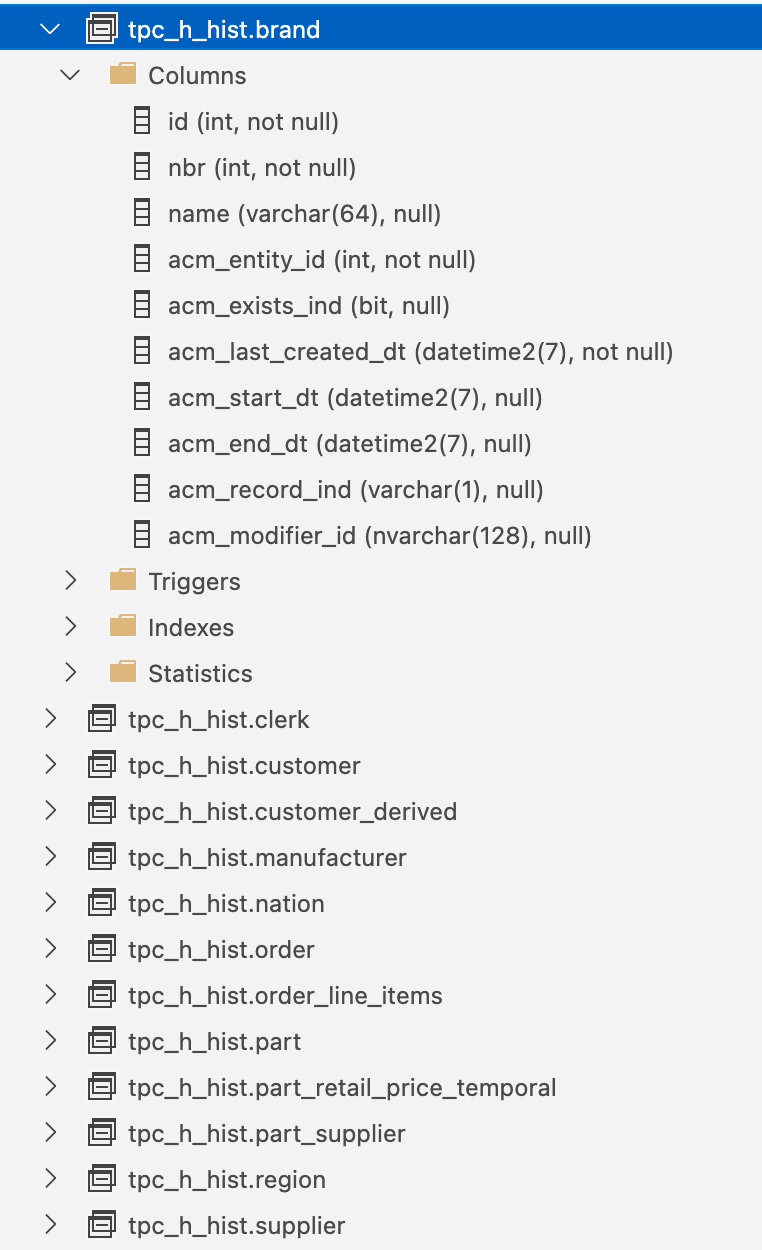
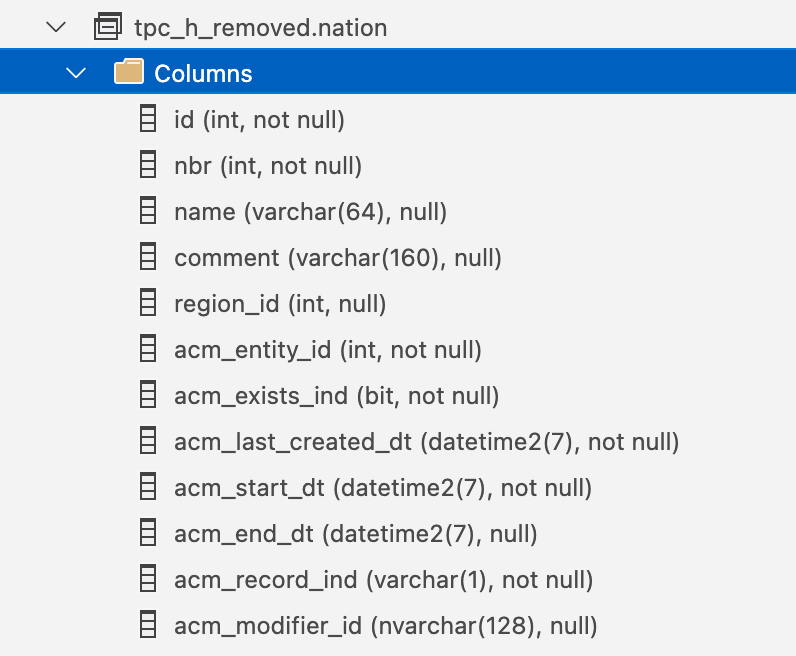
Removed views
The removed view is a view to see the audit trail of removed records.
Point in time function
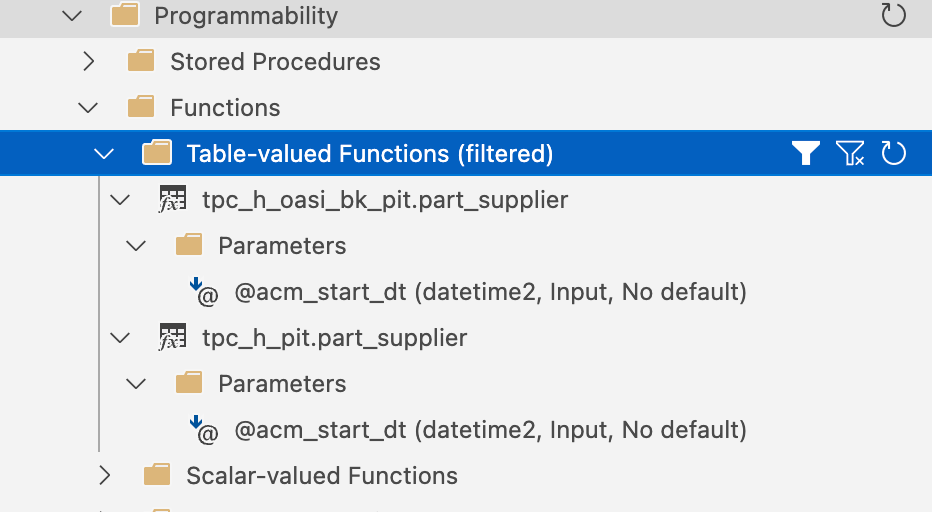
The Point in Time function is a table-valued functions which can be used to display the data which was actual at a certain point in time. They all require the parameter acm_start_dt.
The following point in time functions are made available:
- a point-in-time perspective for a given date (parameter) on top of the historical views
- a point-in-time perspective for a given date (parameter) for an oasi_bk view (thus including business keys)
The second point in time function is used to support processing deliveries from the File Export Layer.
## Example of point-in-time on historical view
SELECT
[id],
[part_id]       part_surrogatekey,
[supplier_id]   suppplier_surrogatekey
FROM
[tpc_h_pit].[part_supplier]('2023-10-05')

## Example of point-in-time on OASI Businesskey
SELECT
[id],
[part_nbr]      part_businesskey,
[supplier_nbr]  supplier_businesskey
FROM
[tpc_h_oasi_bk_pit].[part_supplier]('2023-10-05')
Specific for CRUD models
A CRUD model is a model where the generic data access model has read/write mappings to the central facts model.
Stored Procedures
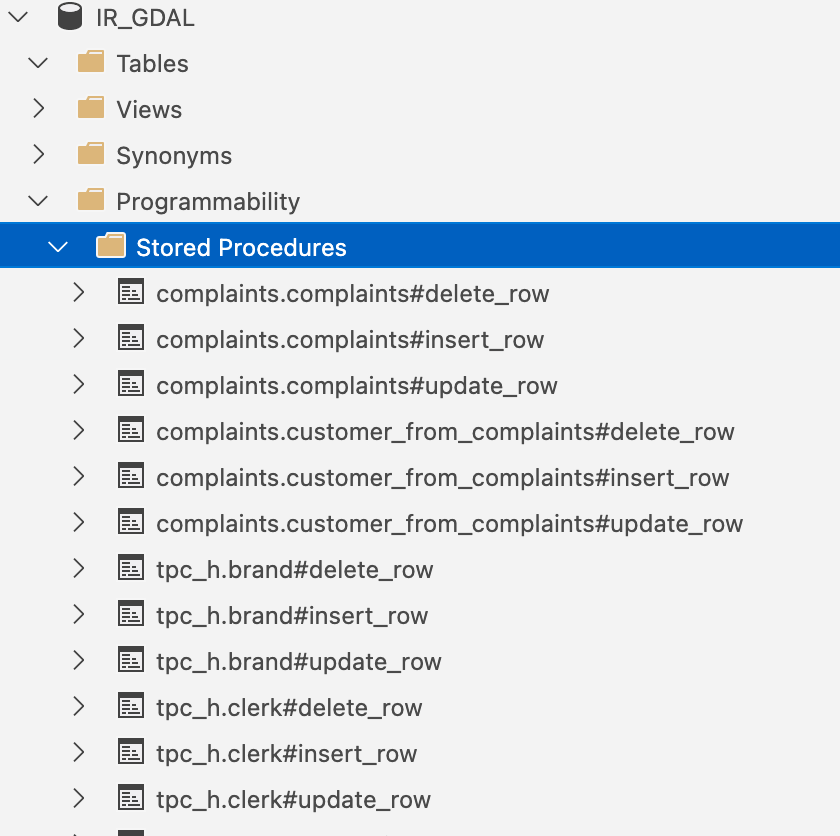
For a CRUD model, default stored procedures are generated for performing Create, Update, andDelete actions on one and only one entity. These procedures can be used by applications to update data. The procedure are row-based, so they will only one row at a time.
Triggers
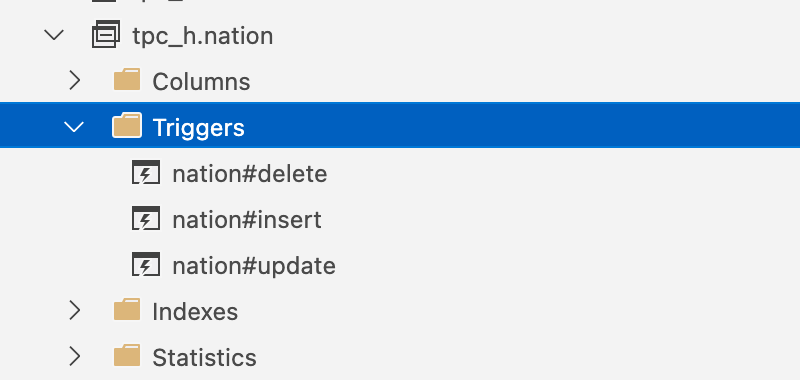
The current view in a CRUD model is deployed with three triggers: insert, update and delete. With these triggers and through the views, data can be written and updated in the relevant anchors and contexts in the CFPL.