Generate a Generic Data Access Model
In this section you can find how to generate a generic data access (GDAL) model from the central facts model, and how to add auxiliary relations to it.
How to generate generic data access model
Perform the next two steps to generate a GDAL model.
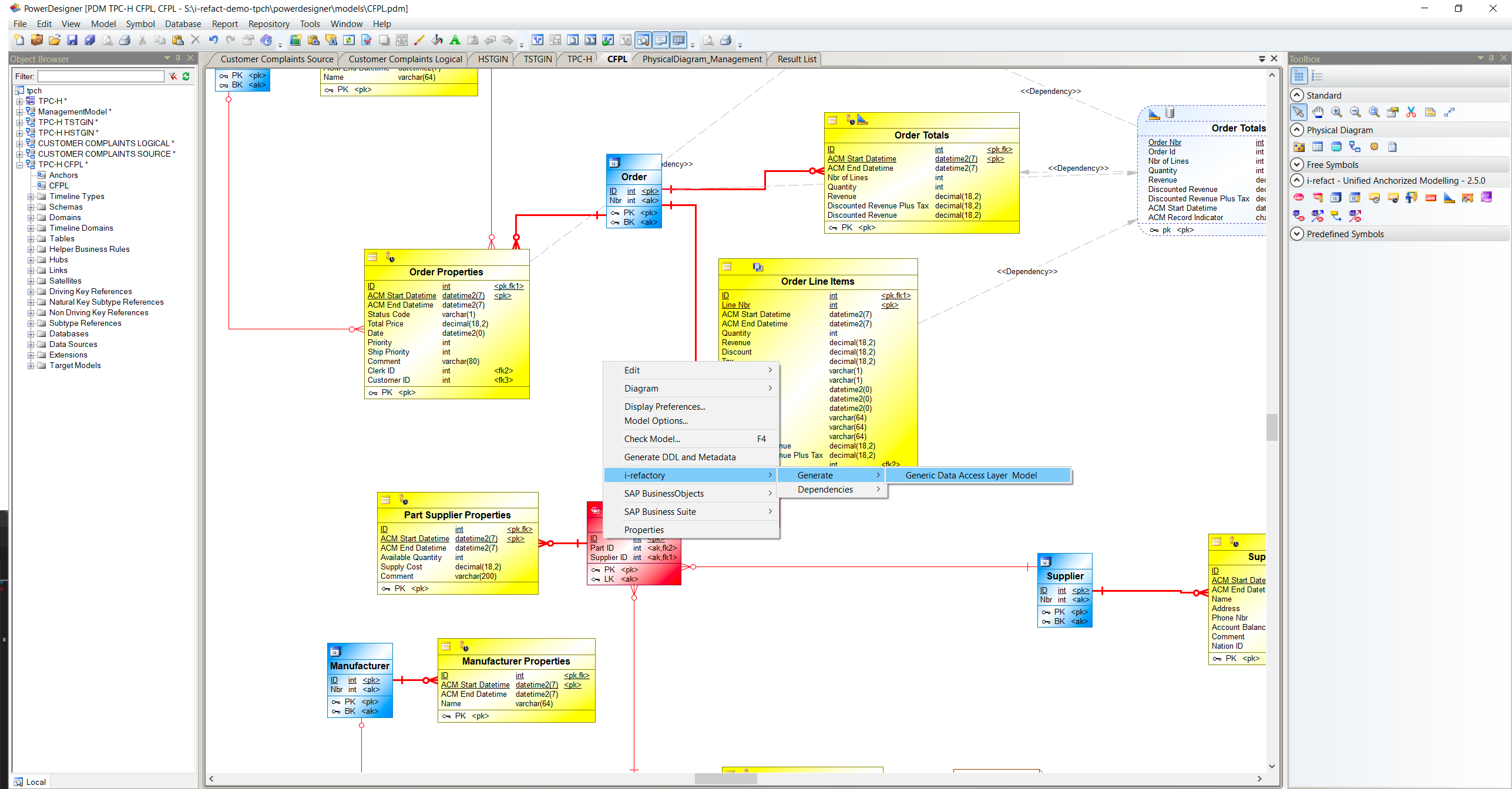
- Open the Diagram of your central facts model
- Right click on the white canvas of the central facts model
- Or right click on the name of the central facts model in the Object Browser
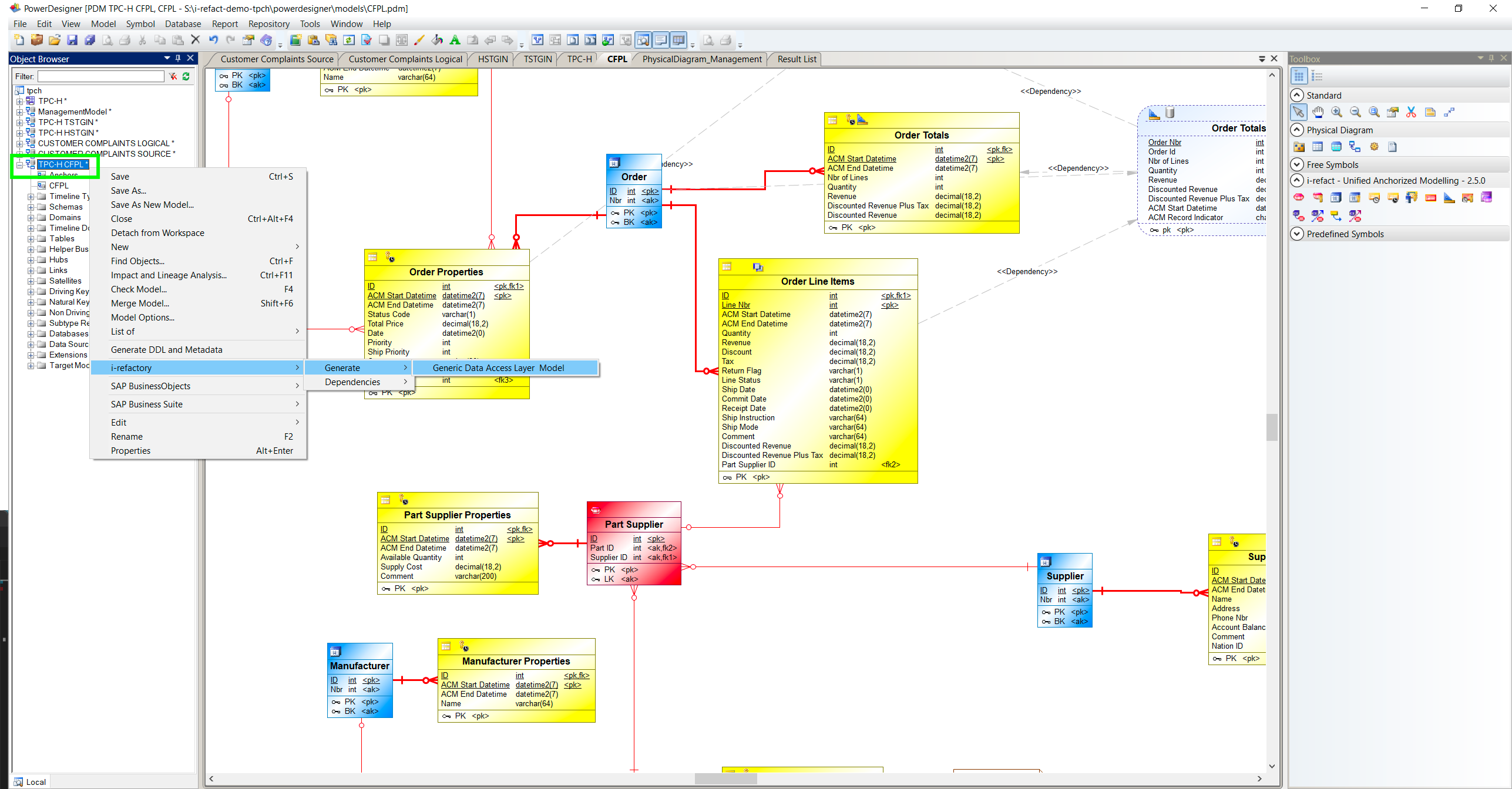
- Select
i-refactory > Generate > Generic Data Access Layer Model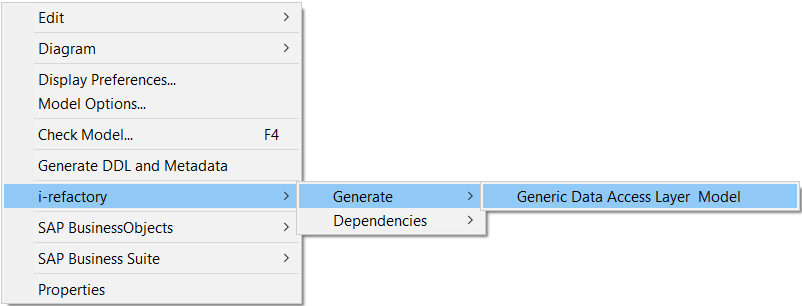
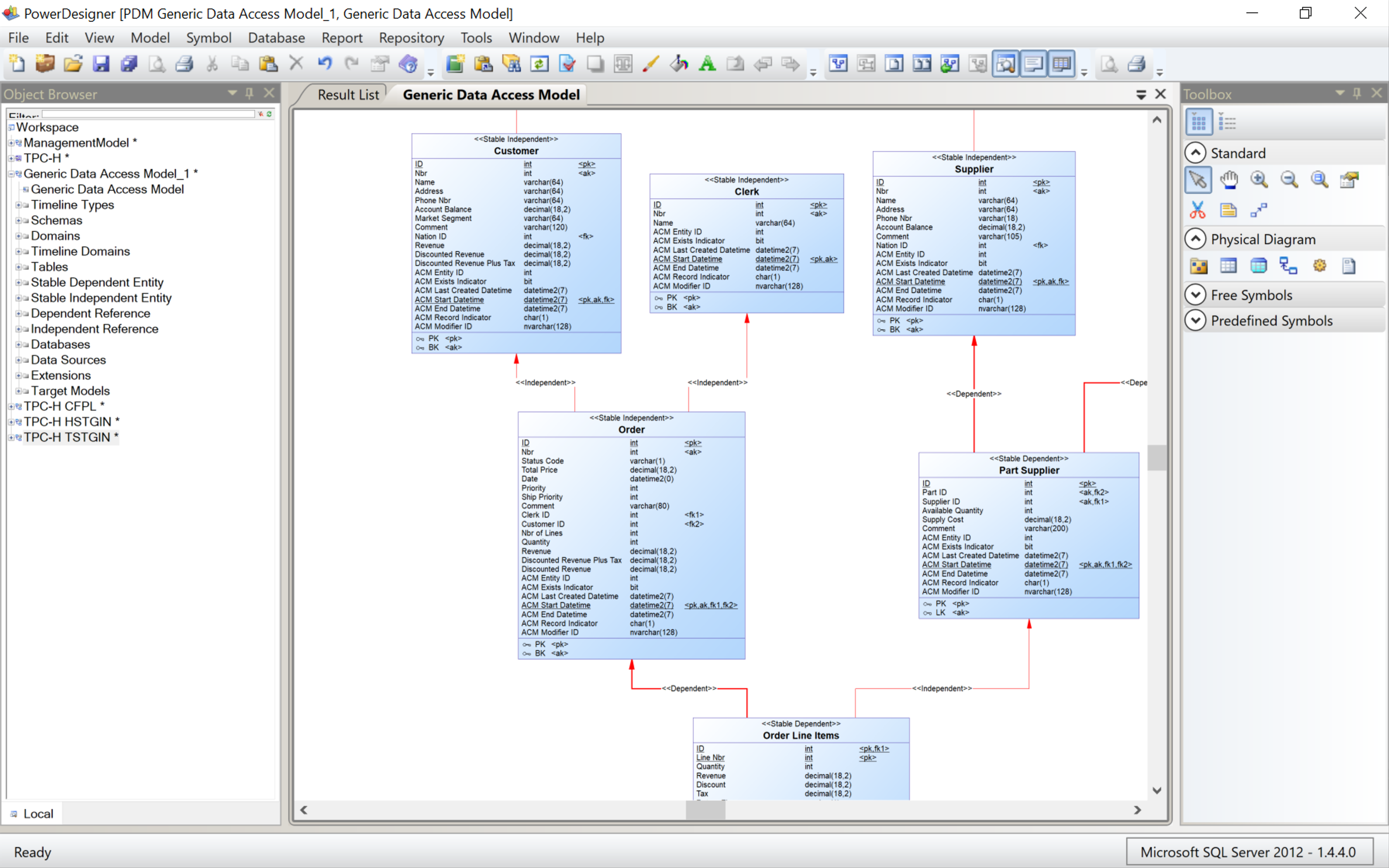
- A new generic data access model is generated. The diagram is populated with independent, dependent entities, and the relations between the entities.
Tip
Assign a meaningful name to the new physical diagram, such as: [model name] + GDAL.
The generated generic data access model contains the following:
- For each Anchor, an Entity is generated
- All attributes of the uni-temporal context (transactional timelines) and immutable context are included in the generated Entity
- Multi-active and Bi-temporal contexts are generated as separate Entities
- The following classification of keys is set:
- Primary key (surrogate key) for each anchor, that consist of its ID and ACM Start Datetime.
- Alternate keys for all independent anchors that consist of its Primary Business Keys and ACM Start Datetime.
- Alternate keys for all dependent anchors that consist of its ID (of the related Anchor), Additional Business Keys, and ACM Start Datetime
acm_start_dt.
Important Steps to complete this activity
Adjust the lay-out
Optionally you can adjust the lay-out:
- Click on the menu
Symbol > Auto-Layout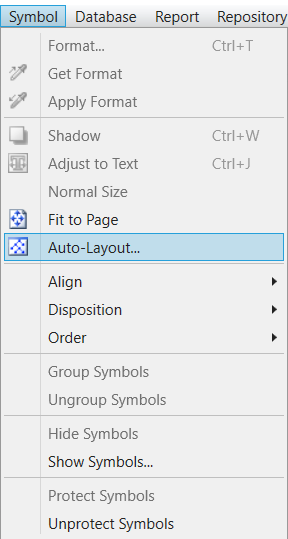
- Choose a lay-out style and click on
OK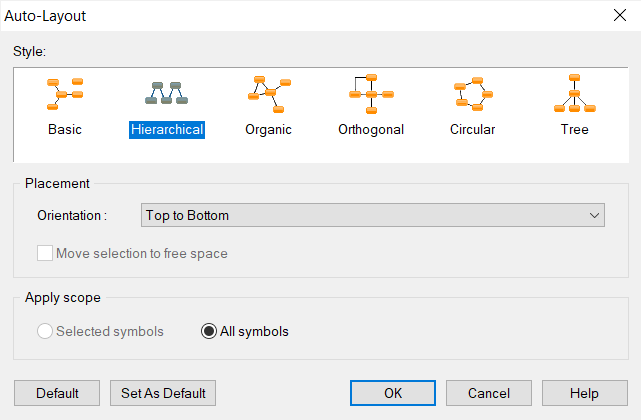
What's next?
After you've created and checked the generic data access model:
- You can deploy the models