Configure Architecture Layers
In this section we explain how to configure the architecture layers of i-refactory. We show how to disallow updates and to change the setting of row counts.
Disallowing the update of an interface
It is possible to block the processing of externally delivered data on the Architecture Layer level. For instance: you could decide to postpone the update of a specific Layer. To do this you can set the property updateable to false on the Architecture Layer.
Warning
Changing this setting has an immediate effect on the concurrent Entity updates : Entity updates in progress will be completed, however no new Entity updates will be scheduled / started until the setting is set to updateable for the respective layer or model.
Changing the setting of row counts
Row Count is used to provide statistics in processing deliveries through all our layers, calculate throughput times and determination of load-tactics from Logical Validation Layer to Central Fact Persistency Layer.
The setting of row counts can be entered on Architecture Layer level, Interface level or Entity level. The setting on entity level has precedence over the setting on interface level and the setting on interface level has precedence over the setting on architecture layer level.
You can choose to set the row count to: Accurate, Approximate or None.
The Approximate setting is the preferred setting. However, it is not 100% guaranteed that the result of the estimated row count actually reflects the row count of the number of rows in a table.
Setting the row count to accurate might have a severe impact on performance.
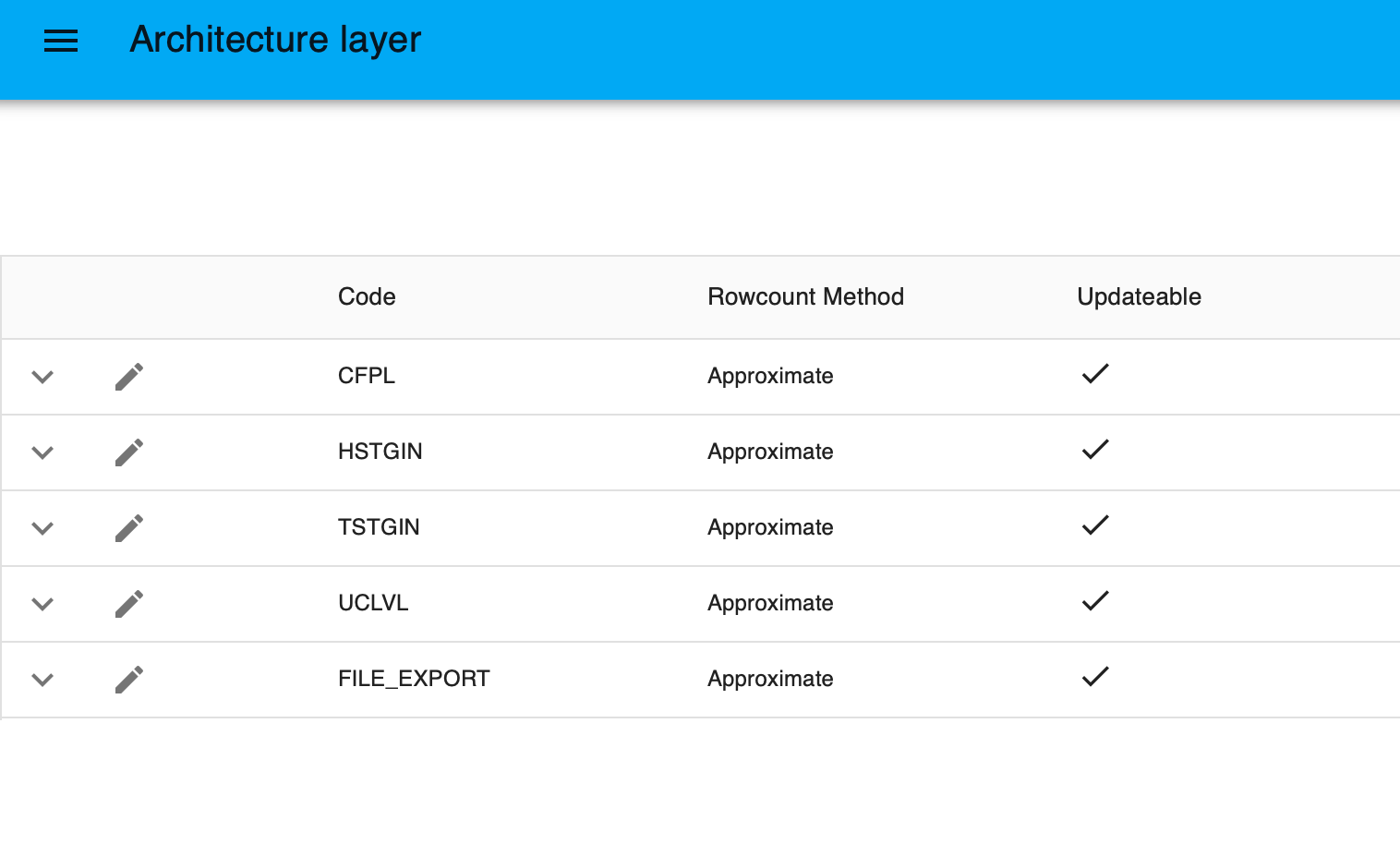
The default settings are derived from the initial installation and are shown below :
What's next?
- Check the overview